
Private by default · No account needed
The things you need, when you need them.
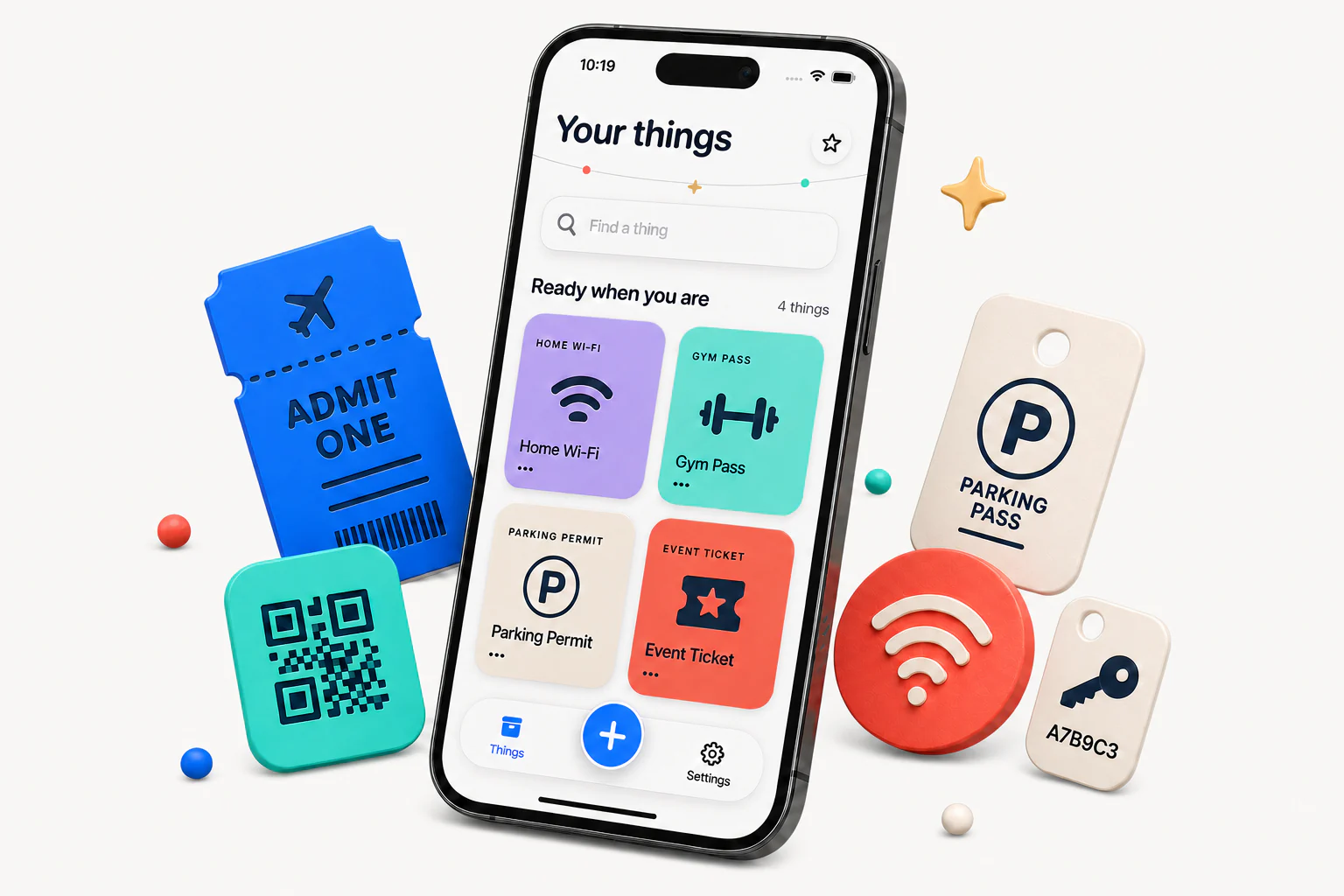
Tickets. Wi-Fi. That QR code you always need. Keep the little essentials ready in one tap.
- Works offline
- On-device recognition
- Ready in one tap
How it works
Save it. Find it. Show it.
Add a Thing once. Find it in your Library and pull it up whenever you need it.
-
01
Add a thing
Snap a photo, scan it, type it or paste it. Recognition happens on your iPhone.
-
02
Find a thing
Give it a name and save it. Search your Library whenever you need it.
-
03
Show a thing
Open the Thing and show exactly what you saved.
The real app
All your useful little things, in one place.
Add a Thing, give it a name, and move on. When you need it again, it is waiting for you.
- Wi-Fi, codes, tickets and little essentials
- Protected Things can require Face ID
- Your Things remain available offline


Your things are yours
Private by design.
Saved content stays in protected storage on your iPhone. When iCloud is available, your private iCloud database keeps your Things in step across your devices. There is no Thingamajig account.
FAQ
The useful details.
Short answers, because that is rather the point.
What can I keep in Thingamajig?
Wi-Fi details, QR codes, barcodes, tickets, passes, parking permits, screenshots, short text and other useful little details you regularly need to retrieve or show.
Do I need an account?
No. There is no Thingamajig account. The app starts with a protected local Library on your iPhone.
Does it work offline?
Yes. Your Things stay available on your iPhone. Sync starts automatically when iCloud is available, without replacing the local Library.
What happens to sensitive Things?
You can lock a Thing so device authentication is required before it is shown. Protected Things do not appear in widgets, Spotlight or on Apple Watch.
Is Thingamajig a wallet or password manager?
No. It does not replace payment cards, identity documents, cryptographic wallets or a password manager. It is for the useful visual information you need to find and show quickly.
What does it cost?
You can save up to three Things for free. Thingamajig Pro is an optional one-time upgrade that gives you room for every Thing.

Ready when you are
Keep the useful stuff handy.
Private by default. No account needed.
Get Thingamajig on the App Store